PrepLabel by Plainworks
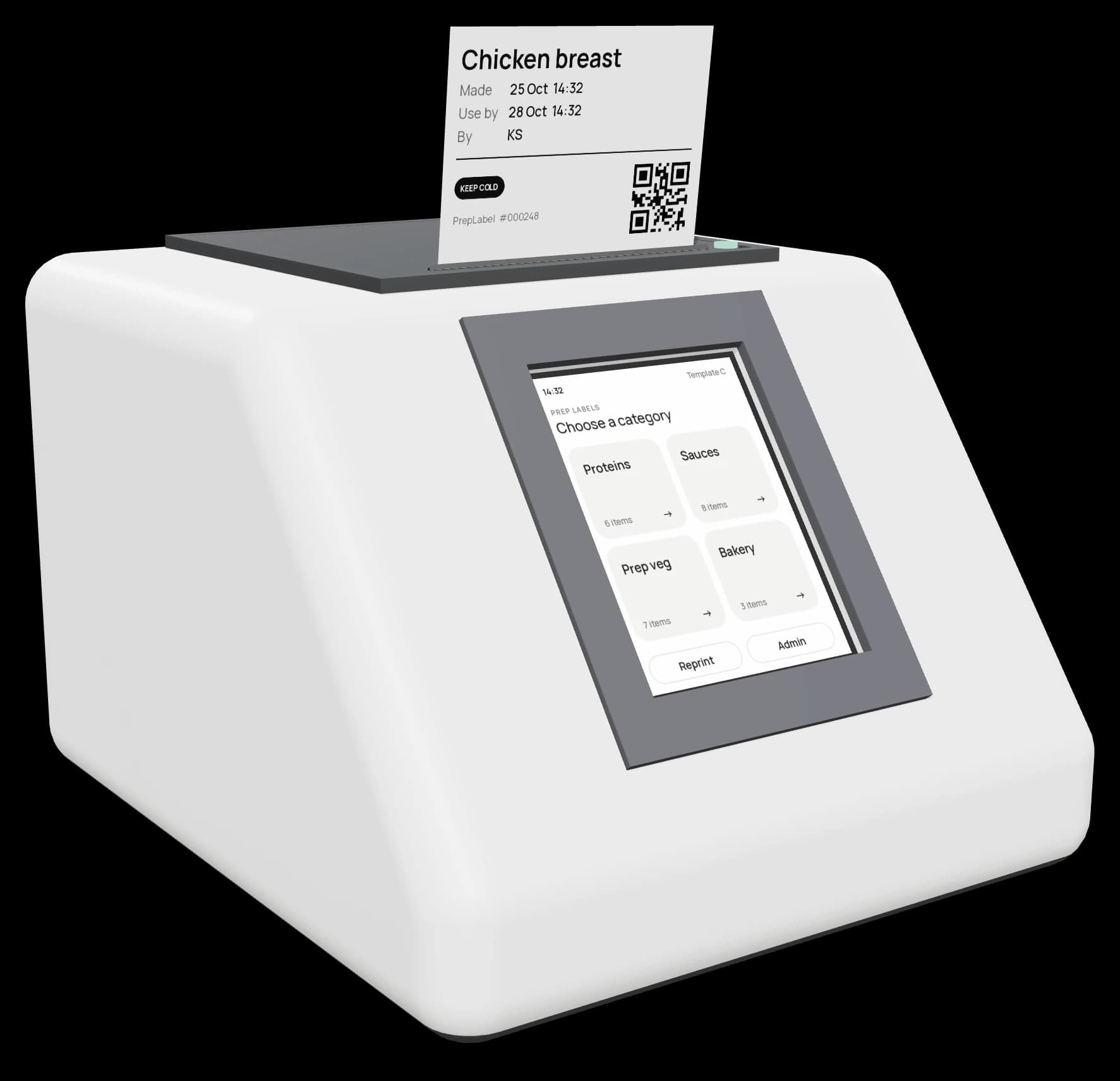
A dated prep label in about two seconds. No handwriting, no Wi-Fi.
- 3
- taps
- ~2 s
- per label
- 0
- wireless radios

The problem → the solution
Today
Tape, a marker and guesswork
- Unreadable. Smudged ink and rushed writing in the walk-in.
- Wrong dates. Use-by worked out in someone's head at the end of a shift.
- No record. When an inspector asks who prepped it and when, there's no answer.
- Waste. When nobody trusts the label, good food gets thrown out.
- Slow. Writing labels by hand eats prep time every day.
With PrepLabel
Three taps, a perfect label
- Always clear. Printed, same layout every time.
- Right dates. Use-by is calculated from each item's shelf life.
- Full record. Every label is logged with item, time and staff initials.
- Less waste. Staff trust the date, so food is used, not binned.
- About 2 seconds. Category, item, print. Back to cooking.
How it works
Anyone can use it on day one.
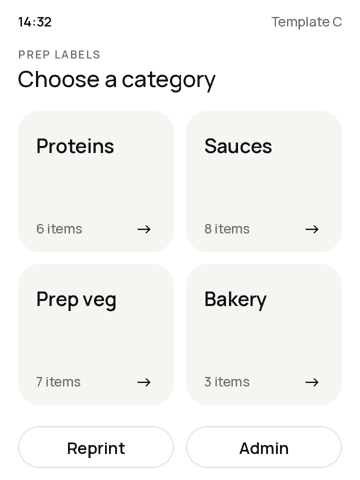
Pick a category
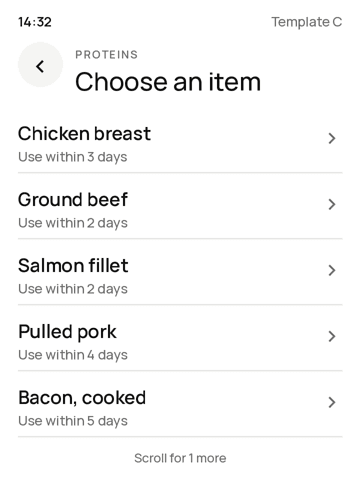
Tap the item
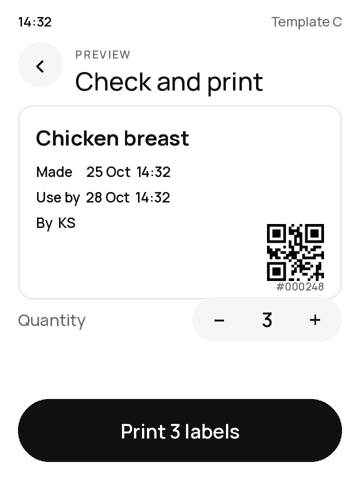
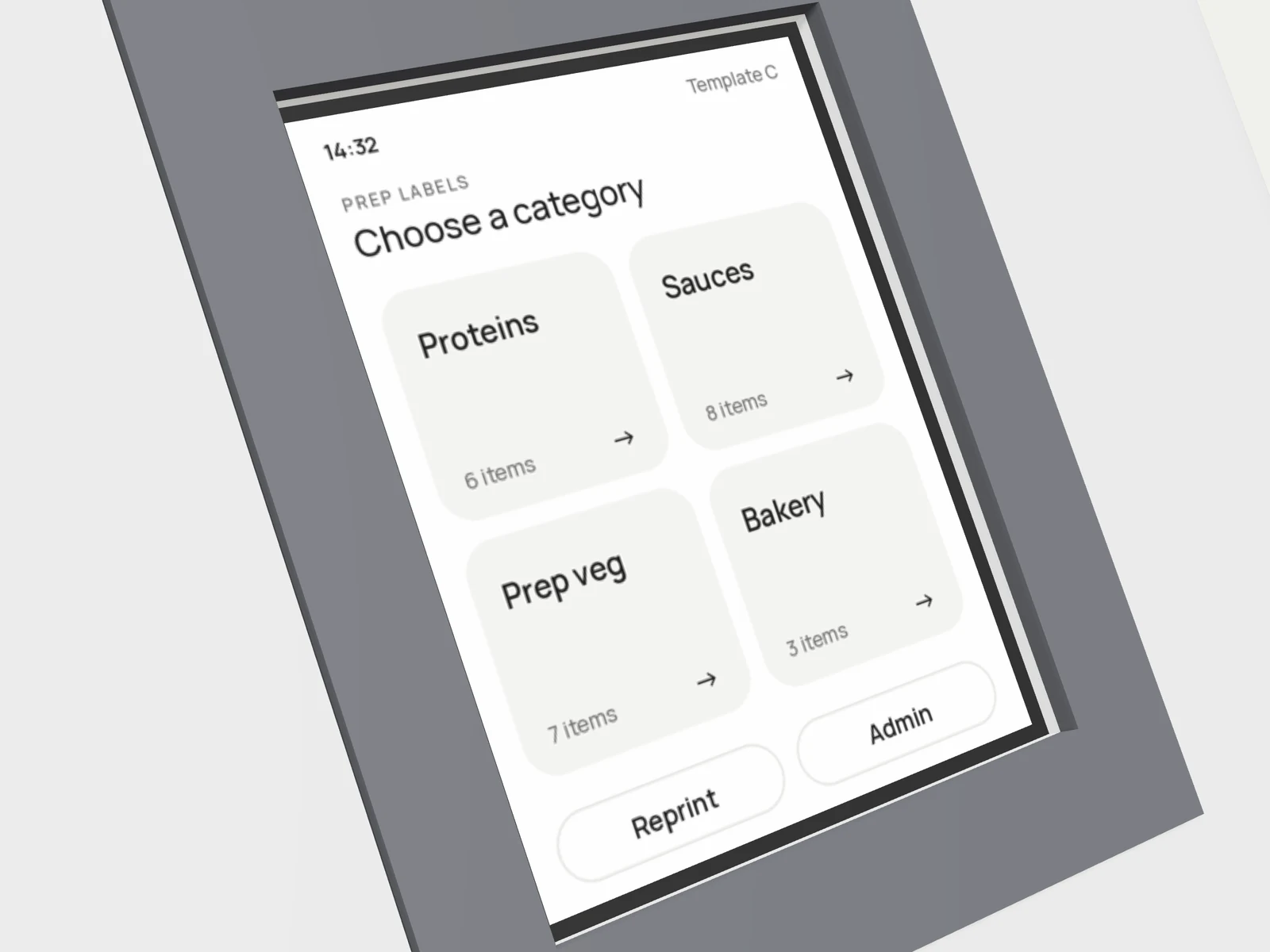 Works with gloves
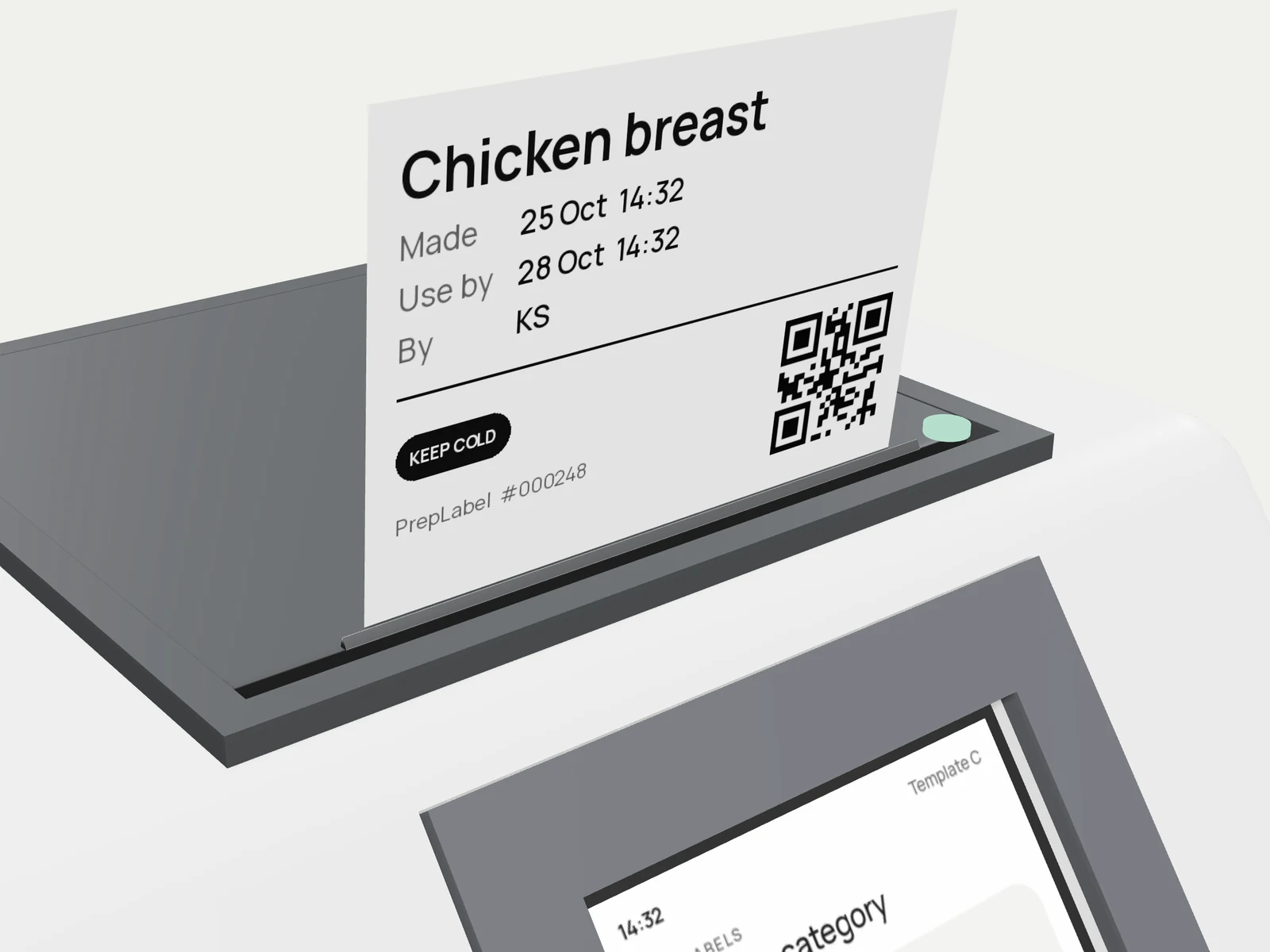 Peels off the front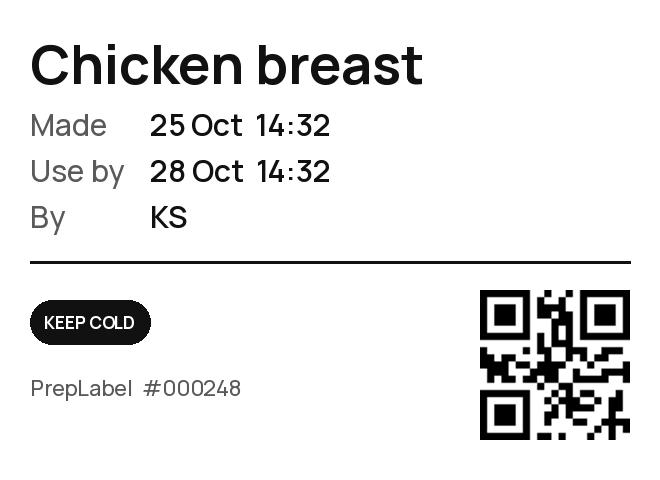
The label
What inspectors look for.
- ItemBig and clear
- Made · Use byWorked out for you
- Prepped byStaff initials
- QR + numberMatches the print log


Prototype
Turn it. Open it. Tap it.
Loading 3D model…
Features
Simple on the line. Strict where it counts.
Offline
No Wi-Fi, Bluetooth or cloud.
Locked template
Every label looks the same.
USB setup
Edit items from your laptop.
Print log
Export every label to a sheet.
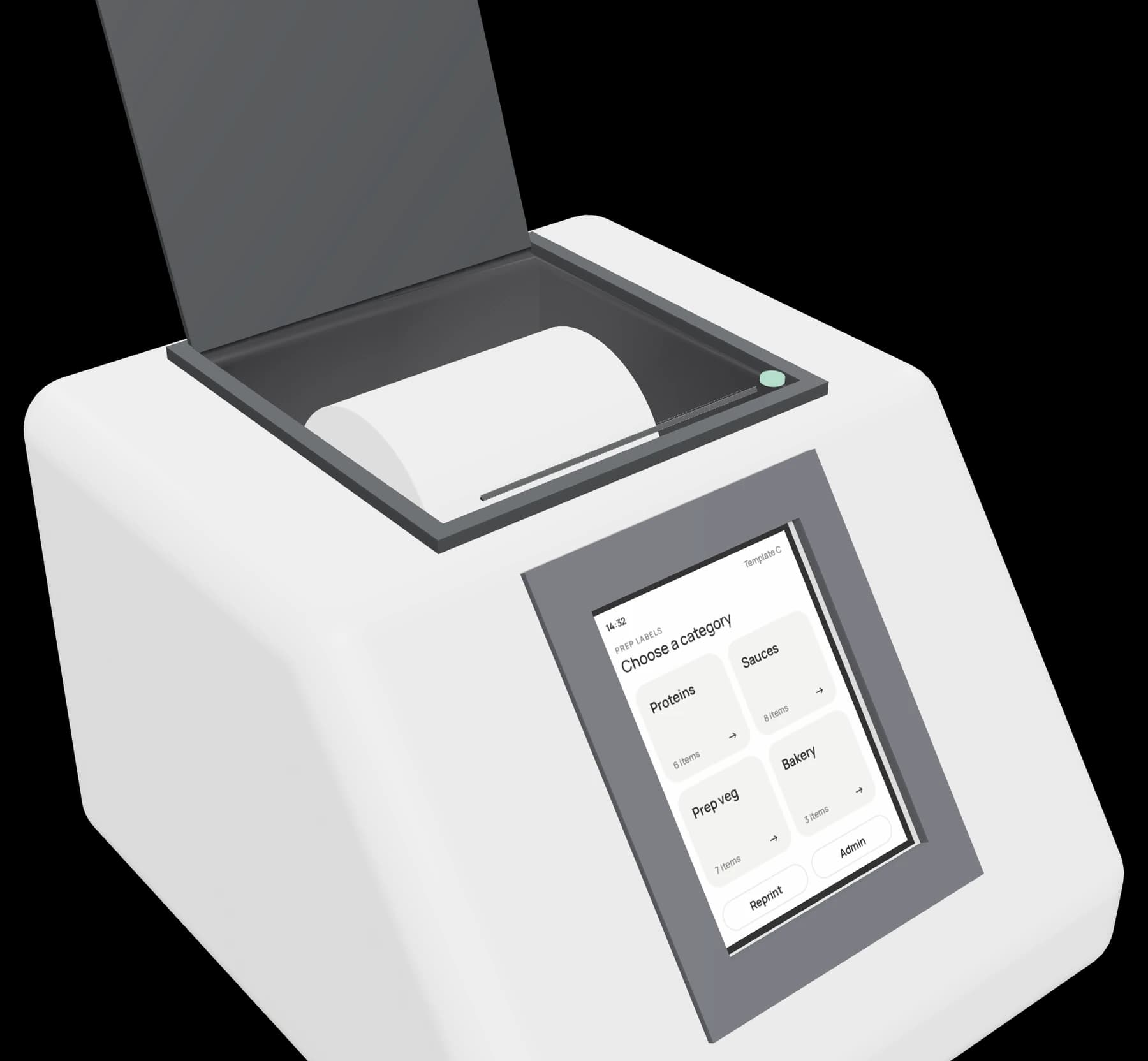
Roll change
New roll in ten seconds.
- Lift the lid
- Drop in the roll
- Pull 2 cm out
- Close it
Finishes
Pick one that fits your kitchen.
Arctic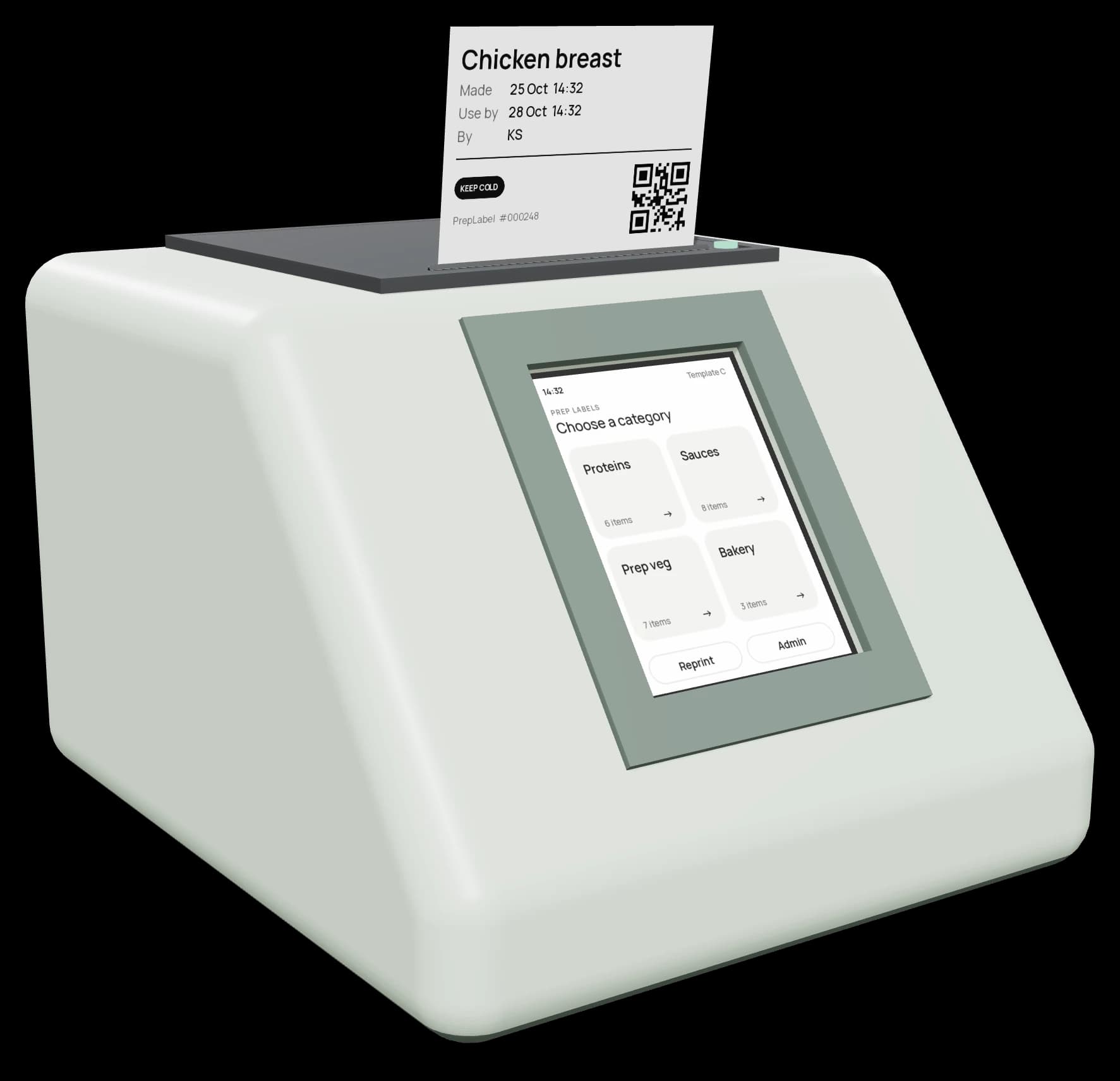 Sage
Sage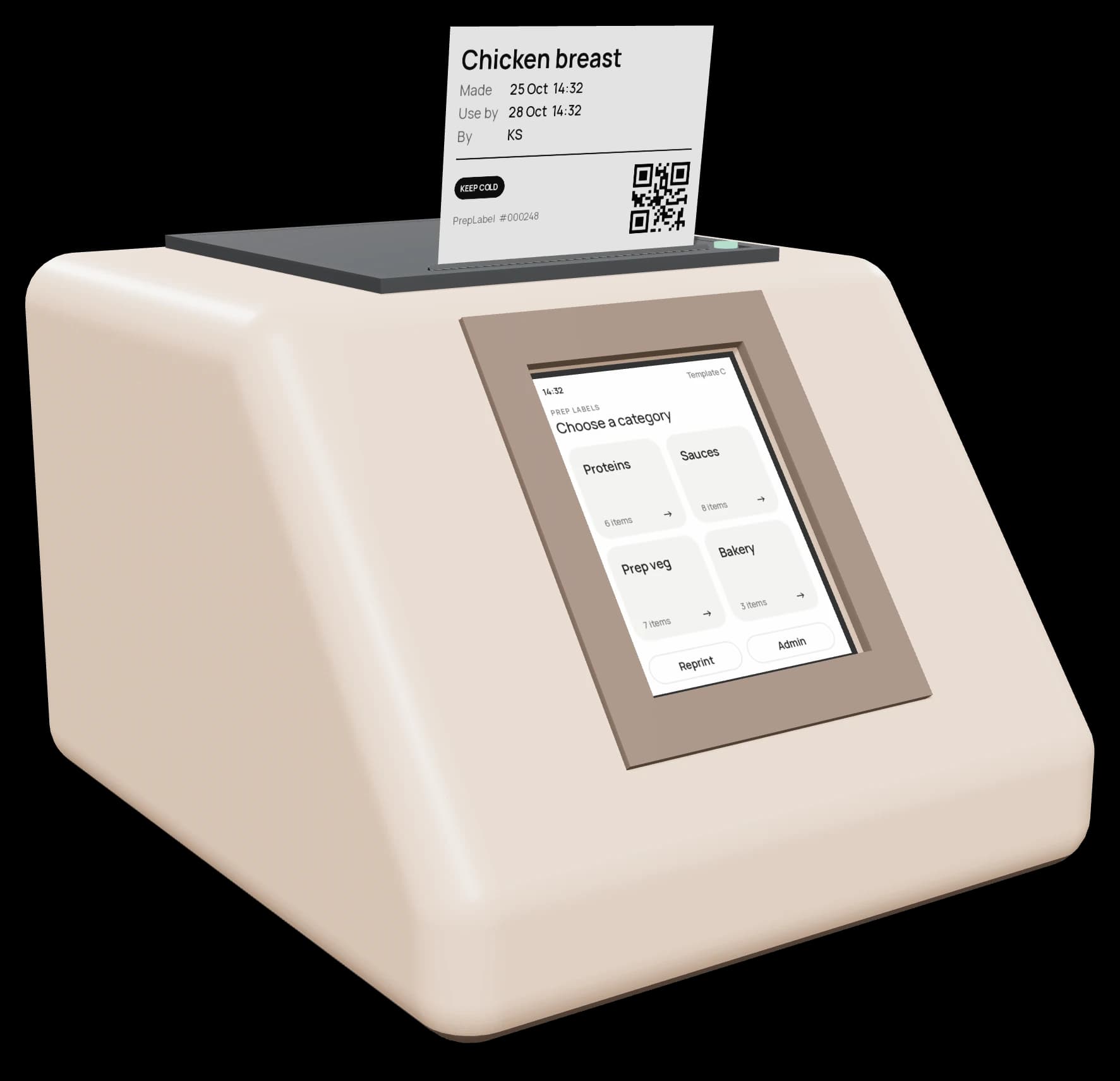 Clay
Clay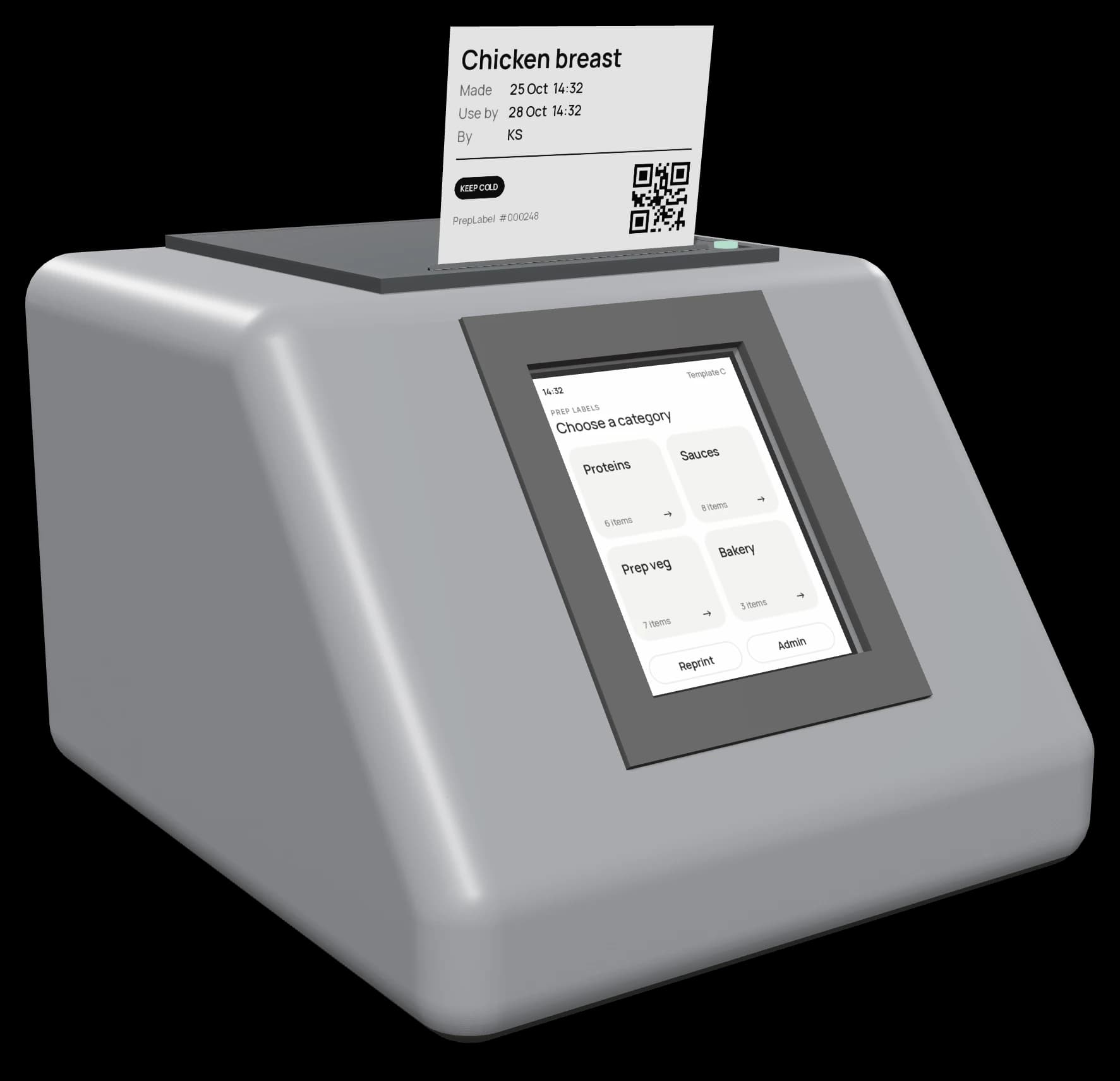 Graphite
Specs
The details.
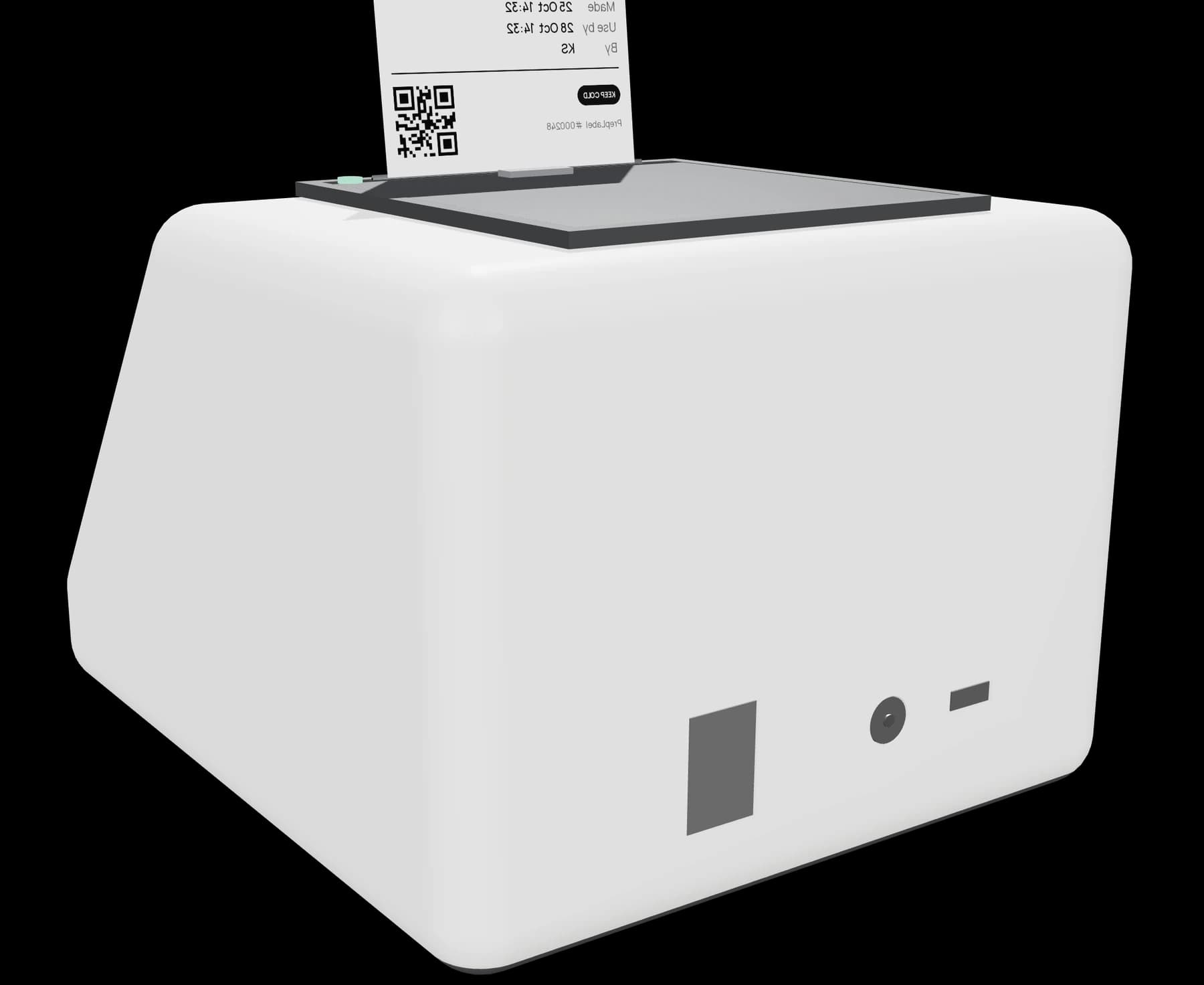
| Size | 140 × 162 × 105 mm |
|---|---|
| Screen | 2.8" touch, works with gloves |
| Direct thermal, 203 dpi, no ink | |
| Labels | 55 × 40 mm, roll up to 50 mm |
| Clock | Battery-backed |
| Setup | USB-C only |
| Power | 12 V adapter |
| Finishes | Arctic, sage, clay, graphite |
